Conversion workflow
- Install PSD ↔ Figma — Free Converter from Figma Community.
- Open any Figma design file.
- Run the plugin from the Plugins menu.
- Select Import PSD.
- Drop your `.psd` file or browse from disk.
- Wait for PSD2Figma to create editable Figma objects.
- Review text, images, masks, effects and component candidates.
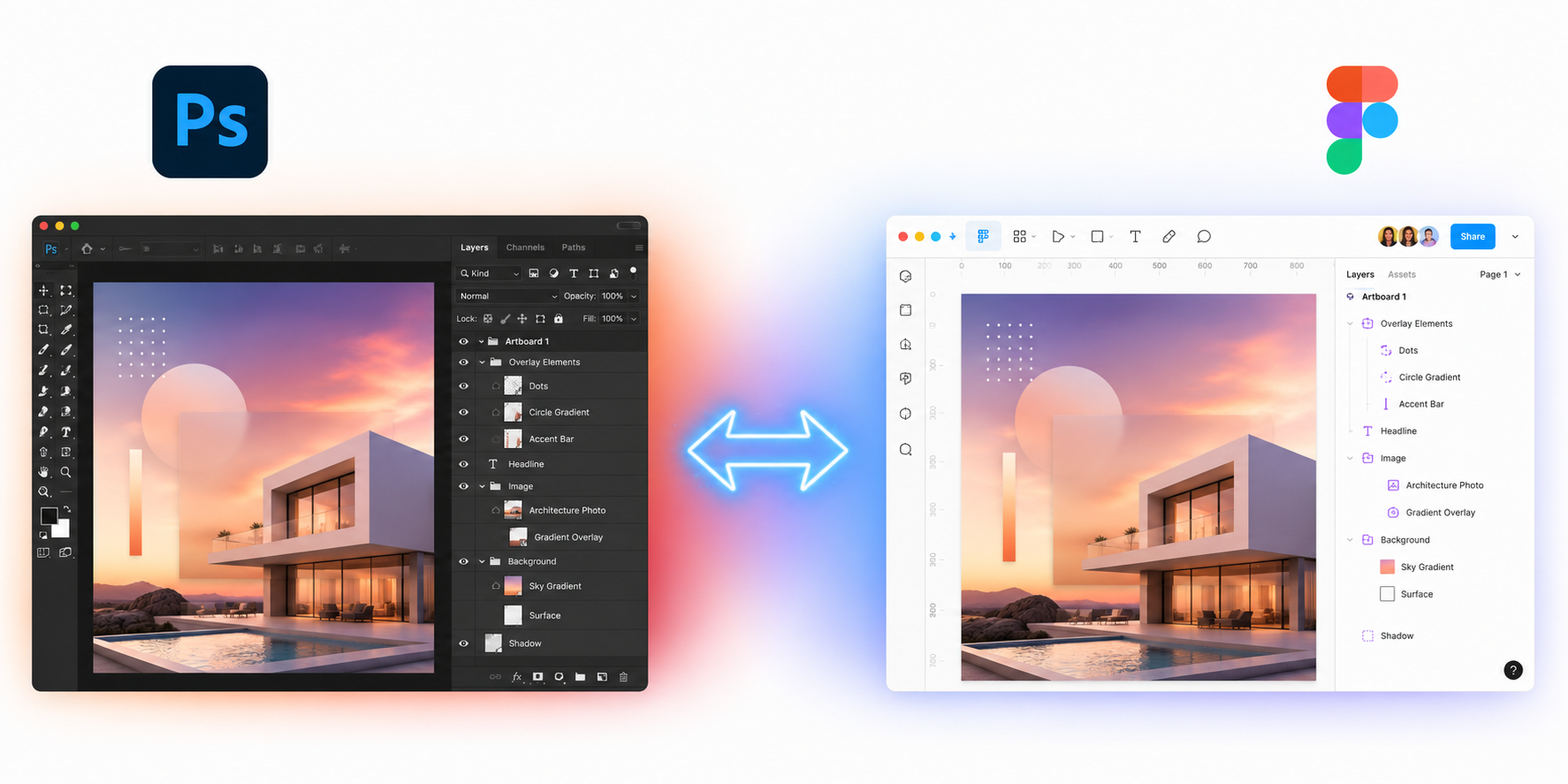
What to check after import
Fonts
If a Photoshop font is not installed locally, Figma may substitute it. Review typography before handoff.
Effects
PSD effects are mapped to Figma approximations. Complex Photoshop-only effects may need small manual cleanup.
Masks
Raster and vector masks are imported where possible. Inspect clipping behavior on complex layouts.
Components
Repeated objects can become components, but you should still rename and organize them for your design system.
Convert your first PSD for free
The free plan includes 3 conversions per month. Pro unlocks unlimited PSD to Figma and Figma to PSD conversions.