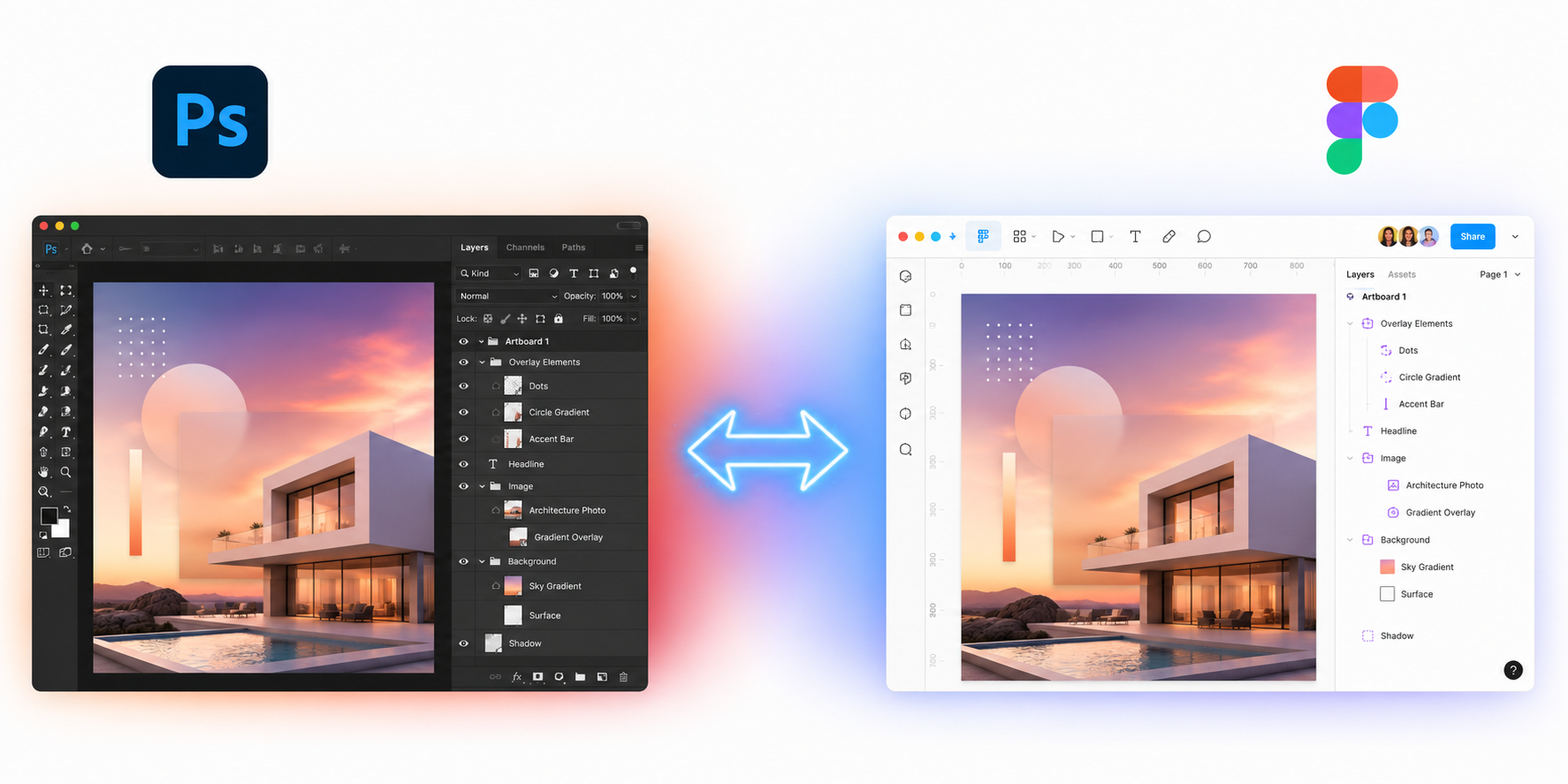
What it does
A Figma plugin that converts between Adobe Photoshop (.psd) files and Figma designs. Import PSD files into Figma with full layer fidelity, or export Figma frames back to layered PSD files.

All processing happens locally in your browser. Your files are never uploaded to any server.
PSD to Figma guides
Start here if you are searching for a specific Photoshop to Figma workflow.
Features
PSD to Figma (Import)
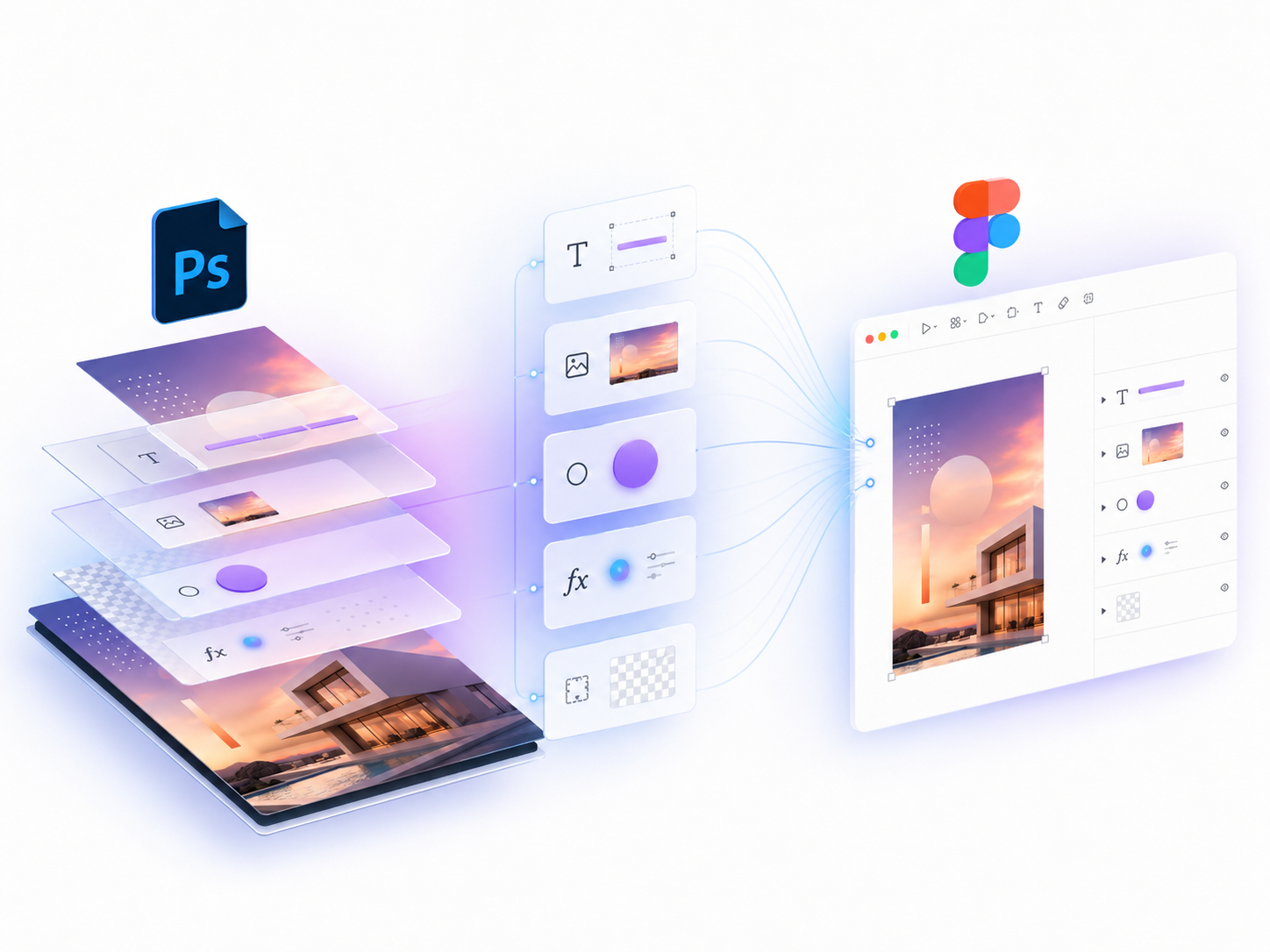
- Full layer structure — groups, images, text, shapes with correct hierarchy
- Component detection — identifies repeated elements, converts to Figma Components
- Mixed-style text — per-character font, size, color, letter-spacing
- Effects — shadows, glow, stroke, bevel/emboss, satin, color/gradient overlay
- Gradient fills — linear, radial, angular, diamond
- Layer masks — raster and vector masks
- Smart objects — embedded content extracted as images
- Smart font mapping — Adobe CJK fonts mapped to system equivalents
Figma to PSD (Export)
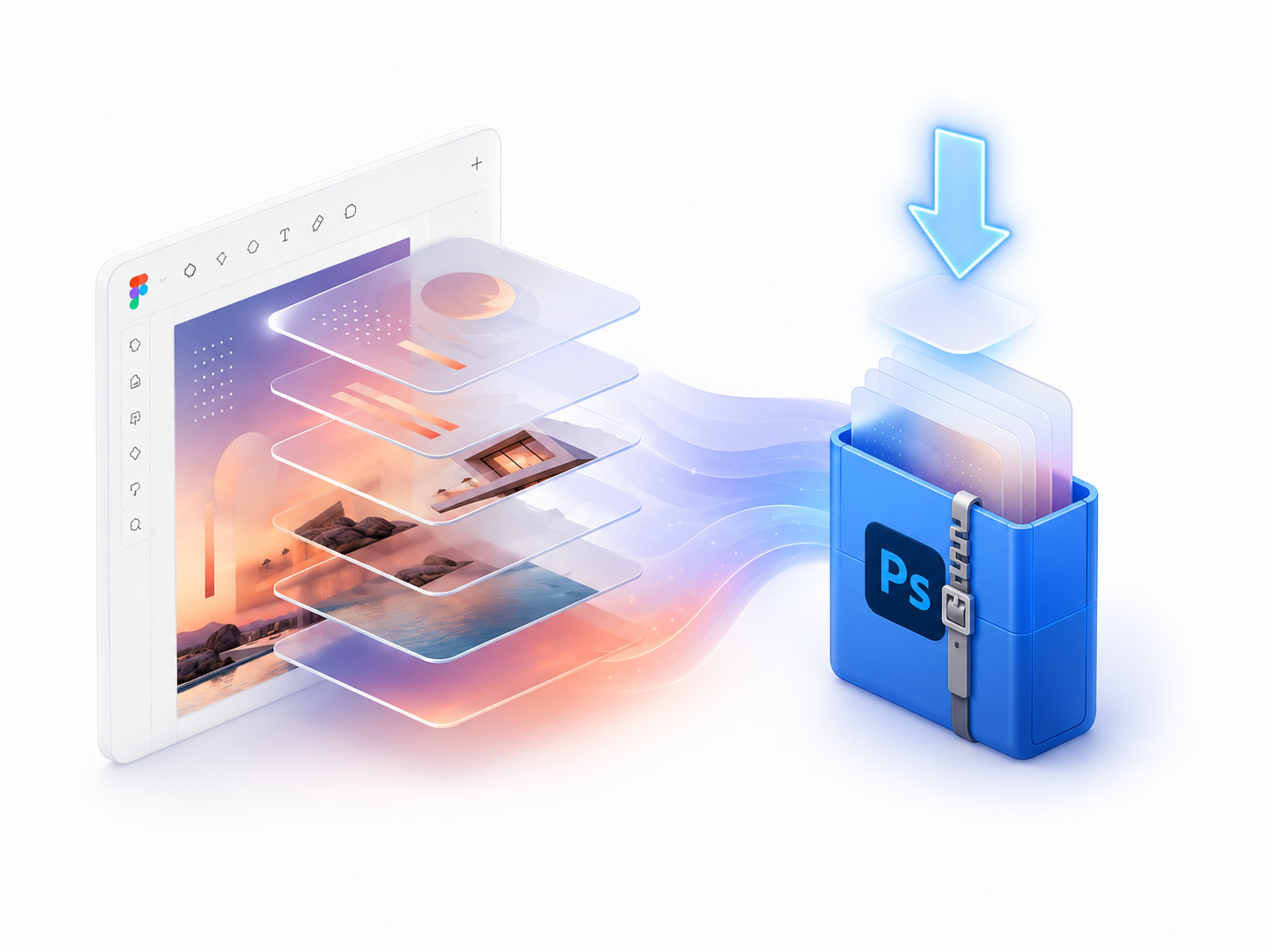
- Layer structure preserved — frames, groups, text, shapes as PSD layers
- Text with full styling — font, size, color, tracking, leading, decorations
- Effects — shadows, strokes converted to PSD layer effects
- Gradients — linear, radial, angular with color stops
- Blend modes — all 19 standard modes mapped
Pricing
Free
$0/month
- 3 conversions per month
- Full import & export
- All effects & layer types
- Local processing
Install Free
Pro
Pro
$6/month
- Unlimited conversions
- Full import & export
- All effects & layer types
- Local processing
- Priority support
Get Pro
How to use
Import PSD
- Open any Figma design file
- Run the plugin (Plugins → PSD ↔ Figma)
- Select "Import PSD" mode
- Drop your .psd file or click to browse
- Done — your PSD layers are now editable Figma objects
Export PSD
- Select a frame in Figma
- Run the plugin, select "Export PSD" mode
- Click "Export to PSD"
- PSD file downloads automatically