When Photoshop to Figma conversion helps
- You have archived `.psd` files that need to become editable Figma work.
- Your agency receives Photoshop source files but collaborates in Figma.
- You want to modernize old landing pages or product pages without starting from a blank canvas.
- You need a Figma version for dev handoff, comments or design-system cleanup.
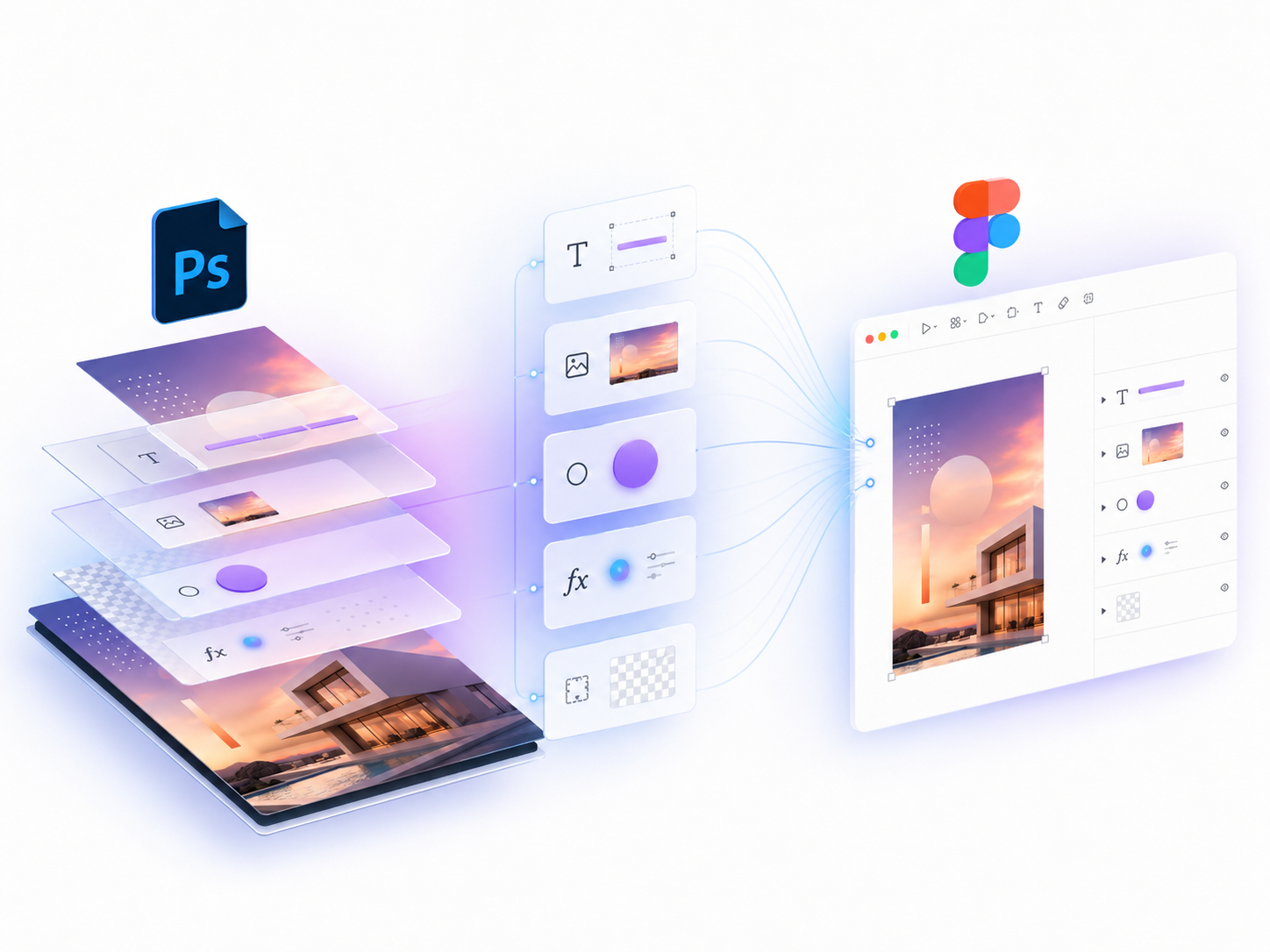
What PSD2Figma preserves
| Photoshop source | Figma result |
|---|---|
| Groups and nested layers | Frames/groups with matching hierarchy |
| Text layers | Editable Figma text where possible |
| Images and smart objects | Image fills or image layers |
| Shadows, strokes and gradients | Figma effects and fills |
Import Photoshop files directly in Figma
Install the free plugin, open a Figma file, and choose Import PSD.