What you get when converting PSD to Figma
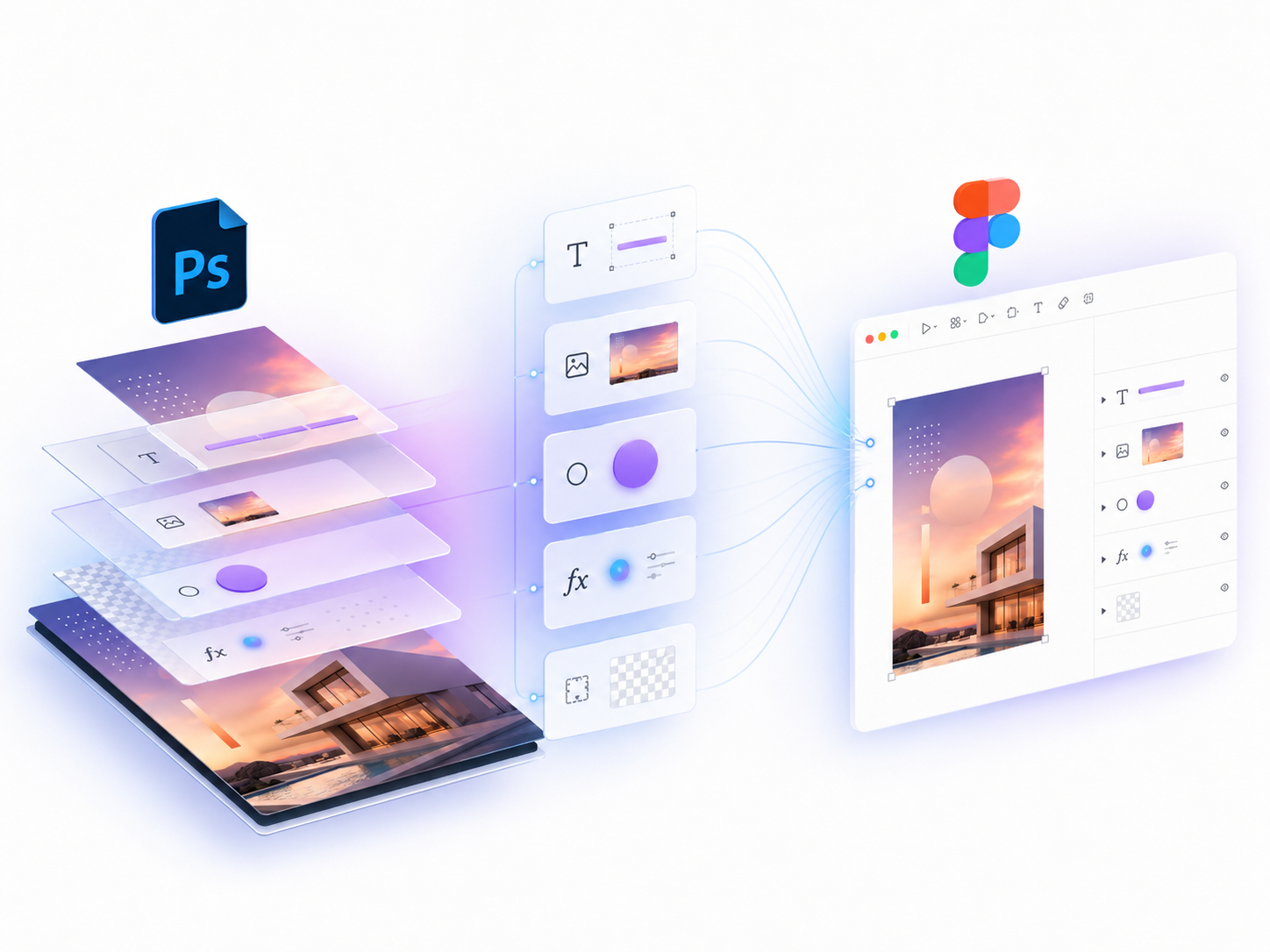
Editable layer hierarchy
Groups, image layers, text, shapes and frames are recreated as Figma objects instead of a flat screenshot.
Text and typography
Mixed-style text, font size, color, letter spacing and line height are mapped where Figma supports them.
Effects and fills
Shadows, glow, stroke, bevel, satin and gradient overlays are converted into Figma-native approximations.
Component detection
Repeated visual elements can be detected and converted into reusable Figma components.
Why use a Figma plugin instead of uploading PSD files?
Many online PSD converters require uploading design files to a server. PSD2Figma runs inside the Figma plugin UI, so your PSD is parsed locally and your design content is not sent to our servers.
- Good for client files and older Photoshop design archives.
- Useful when moving website mockups, landing pages and app screens into Figma.
- Free for occasional conversion, Pro for unlimited monthly conversion.
Start with the free PSD to Figma converter
Install the Figma plugin, open a design file, and import a PSD directly into editable Figma layers.